To reset an automatic gate, power the operator off at the breaker, wait 30 seconds, then restore power and allow the system to complete a full reset cycle. Most gate operators across Phoenix also have a dedicated reset button or a learn button on the control board. This guide covers both methods for swing and sliding gate systems.
How to Reset an Automatic Gate: Troubleshooting Common Issues in Phoenix Heat
To reset an automatic gate, power the operator off at the breaker, wait 30 seconds, then restore power and allow the system to complete a full reset cycle. Most gate operators across Phoenix also have a dedicated reset button or a learn button on the control board. This guide covers both methods for swing and sliding gate systems.
What Usually Causes a Gate to Need a Reset
Gate operators are computers. They run on circuit boards, sensors, and logic that can get confused by power surges, lightning strikes, extreme heat, or just a stray command from a remote that got bumped in someone’s bag.
In Phoenix, the most common triggers for a gate reset are summer power fluctuations, monsoon-related electrical surges, and heat-related motor overloads. When temperatures push past 110 degrees, motors that are working close to their thermal limit will trip an internal breaker and stop responding entirely.
A reset clears the stored error state and lets the system restart fresh. It takes two minutes and costs nothing. It is always worth trying before calling for a repair.
The Power Cycle Reset — Try This First
This works for virtually every automatic gate operator brand, including LiftMaster, Viking, DoorKing, and FAAC.
- Go to your property’s electrical panel and find the breaker that controls the gate operator. It is usually labeled gate, entry, or exterior.
- Flip the breaker to the off position and leave it for a full 30 seconds. This allows the control board’s capacitors to fully discharge and clears any error state.
- Restore power by flipping the breaker back on.
- Wait for the operator to complete its startup sequence. Most units will run through a brief self-check before accepting commands.
- Test the gate with a remote or keypad. If it responds normally, the reset worked.
If the gate begins cycling but stops partway through — or if the motor runs but the gate does not move — the issue is mechanical rather than electronic. A reset will not fix that.
Using the Control Board Reset Button
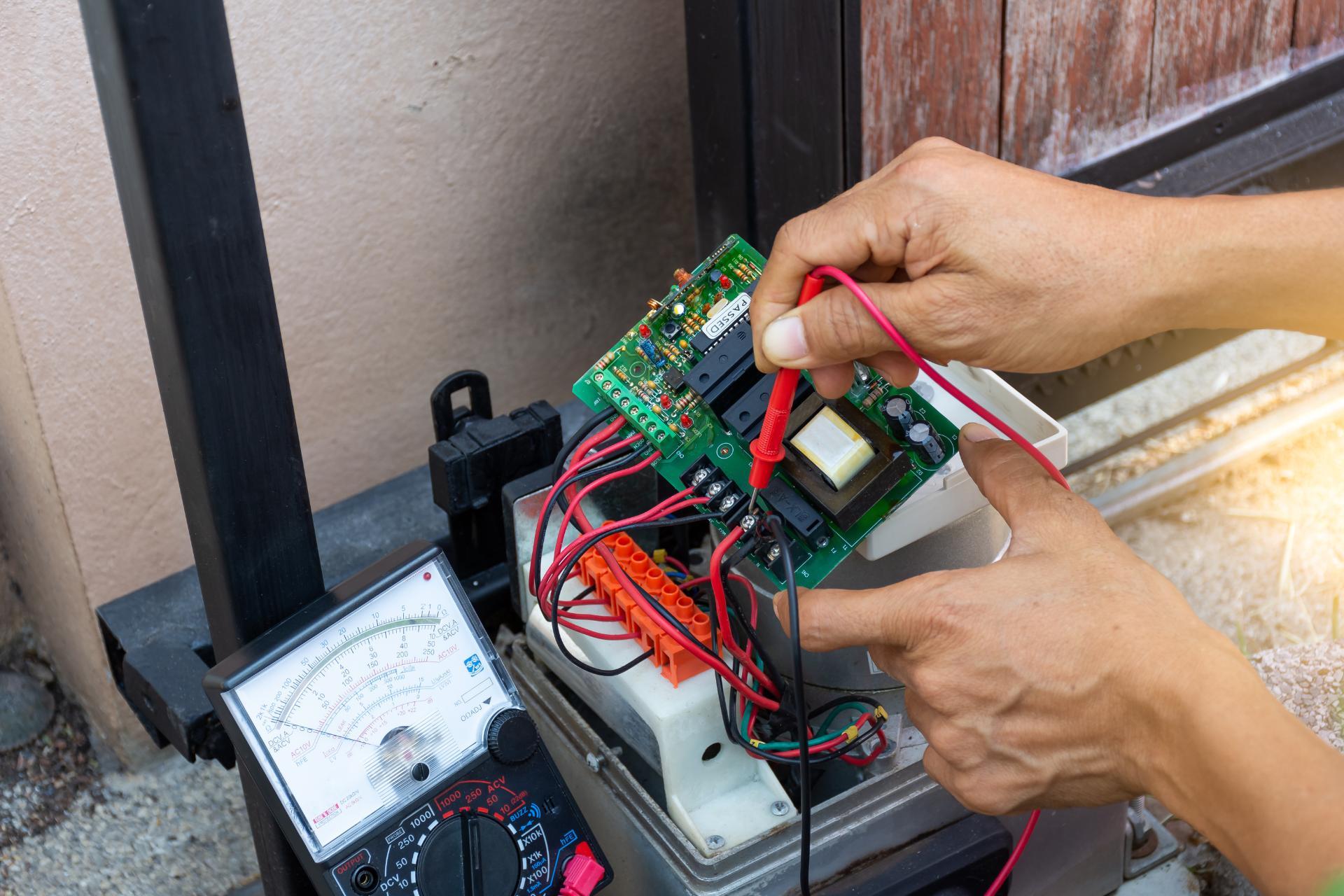
Many modern gate operators have a dedicated reset or learn button directly on the control board inside the operator housing. This is particularly useful when you want to clear remote codes, reprogram transmitters, or restore factory default settings.
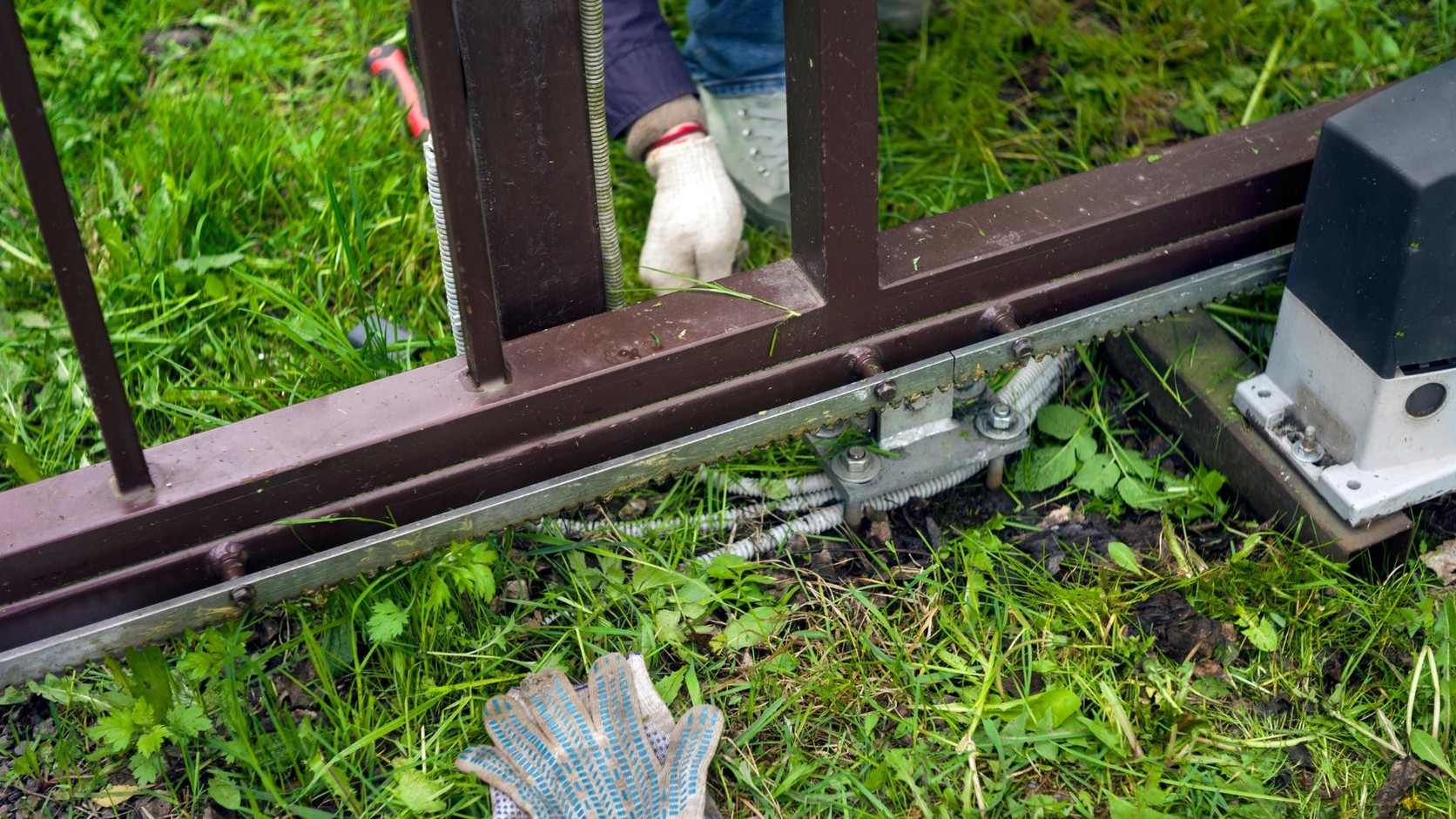
- Locate the operator housing. On swing gate systems, this is usually near the hinge post. On sliding gates, it sits at the end of the gate track.
- Open the housing cover. You may need a key or hex tool depending on the model.
- Look for a button labeled reset, learn, or program. It is often red or yellow.
- Press and hold the button for 5 to 10 seconds until an indicator light blinks or changes color.
- Close the housing and test the gate. You may need to reprogram your remotes after a full board reset.
If you are not sure which button does what, do not guess. Pressing the wrong combination on some boards can wipe out your entire remote library. Your
automatic gate system manual will have a diagram. ParkPro can also walk you through it over the phone.
When a Reset Does Not Fix the Problem
A reset addresses software or electrical confusion. It does not fix physical damage. If your gate still does not work after a power cycle and a board reset, the problem is somewhere else.
Common issues that look like a software fault but are actually mechanical or electrical failures include a burned-out motor from heat overload, a damaged control board from a lightning surge, broken limit switches that prevent the gate from knowing its position, and a faulty safety sensor that keeps the gate from completing its cycle.
Heat-related motor burnout is particularly common in the Valley during June through August. A motor that overheated and failed will not respond to a reset. It needs to be replaced.
If the reset does not work, the next step is a professional diagnostic. ParkPro’s technicians carry diagnostic equipment that can read the operator’s fault codes directly, identifying exactly which component has failed without guesswork. Explore the
automatic gate repair service for same-day diagnostics across Phoenix, Mesa, Chandler, Gilbert, and Scottsdale.
Preventing the Problem Before It Starts
Most gate failures in Arizona are preventable. Motors that are serviced regularly, sensors that are cleaned of dust and debris, and control boards that are protected from surge damage all last significantly longer than neglected systems.
ParkPro’s
gate maintenance plans include seasonal inspections that specifically address heat-season readiness — checking thermal protection thresholds, testing backup battery systems, and clearing the operator housing of the dust buildup that accelerates board failures.
A gate that gets maintained twice a year rarely needs an emergency reset call. One that does not get touched until it fails almost always does.
Still Not Working? ParkPro Has 24/7 Emergency Service.
ParkPro has served homeowners, HOAs, and commercial facilities across the Phoenix metro since 1978. If the reset steps above did not solve the problem, the team is available around the clock — including weekends and holidays.
parkpro.com/contact/ to schedule a same-day service visit.